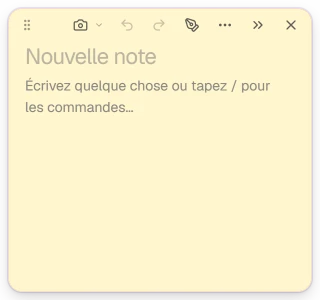
Create a note in an instant.
One click on the little cloud, one click on +, and the note is ready to write.
Finder Thu Nov 12 2:12 PM
Create, use and find your notes while you work on your Mac.
 Thu Nov 12 2:12 PM
Social media
Layers
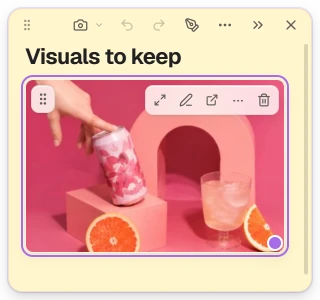
 Visual C — Yellow
 Visual B — Pink
 Visual A — Lilac

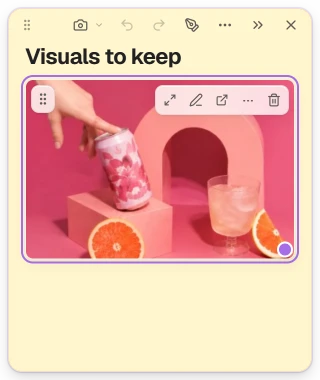
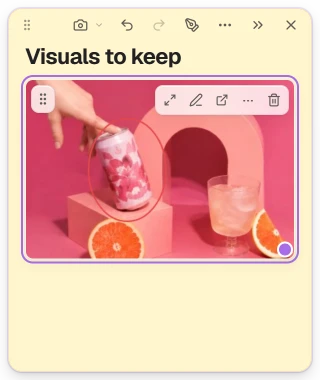
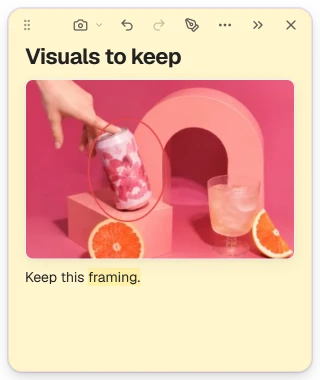





One click on the little cloud, one click on +, and the note is ready to write.
Thu Nov 12 2:12 PMSearch by title or open a folder: every note is a click away.
Thu Nov 12 2:12 PMYou are planning a trip in your browser: the notes are written in Swoop, beside it, without leaving the page.
Thu Nov 12 2:12 PM
Portugal · 3-day trip
Lisbon in 3 days
Hills, yellow trams and pasteis de nata: the essentials of the Portuguese capital, without rushing.
Paris → Lisbon
Every day · 2 h 40 · cabin bag included
What to do in Lisbon
District
Alfama and its viewpoints
Cobbled lanes, tiled rooftops and views over the Tagus from the terraces of the district.

Must-do
Tram 28
From Graça to Estrela, the yellow line crosses the historic districts. Board early to get a seat.

View
Praça do Comércio
The great square by the river, its yellow arcades and the triumphal arch of Rua Augusta.

Treat
Pasteis de nata
Served warm and dusted with cinnamon: try one in a neighbourhood bakery.
Where to stay
Hotel Alfama Tejo
Alfama · by the river
Rooms with a view of the Tagus, breakfast included, a 10-minute walk from Praça do Comércio.
Casa do Largo
Baixa · city centre
A quiet guesthouse with character, a short walk from the tram and the restaurants.
Good to know
Move your notes anywhere, tuck them along the edge and bring them back whenever you need them.
Thu Nov 12 2:12 PM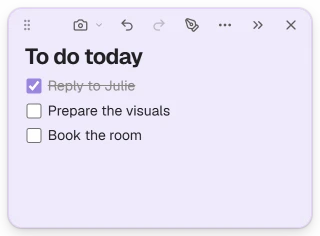



Another question? Contact support
Yes. Every change is saved right away, on your Mac, and the next time Swoop starts, the notes that were on screen come back. A backup copy is also made every day and kept for seven days.
Yes, with nothing to connect: your notes float above the windows of your other apps (browser, word processor, spreadsheet…). If you prefer, you can turn off this always-on-top behavior in the settings.
Yes. A tucked note waits along the edge of the screen: a click on its tab brings it back. And all your notes, tucked or not, stay in the Library.
You get seven days of full access, with no credit card: you enter no payment method and nothing starts on its own.
Nothing is charged. A screen offers you to subscribe, and you are free to close it. Your notes are never deleted, locked or hidden, subscribed or not. Subscription terms
Full access, no credit card and no automatic subscription.
Then, if you wish
The welcome offer is chosen in Swoop, the first time you open it. Subscriptions renew automatically and can be cancelled at any time.
No credit card needed · Subscription terms